
Company profiles
Tell your brand story.

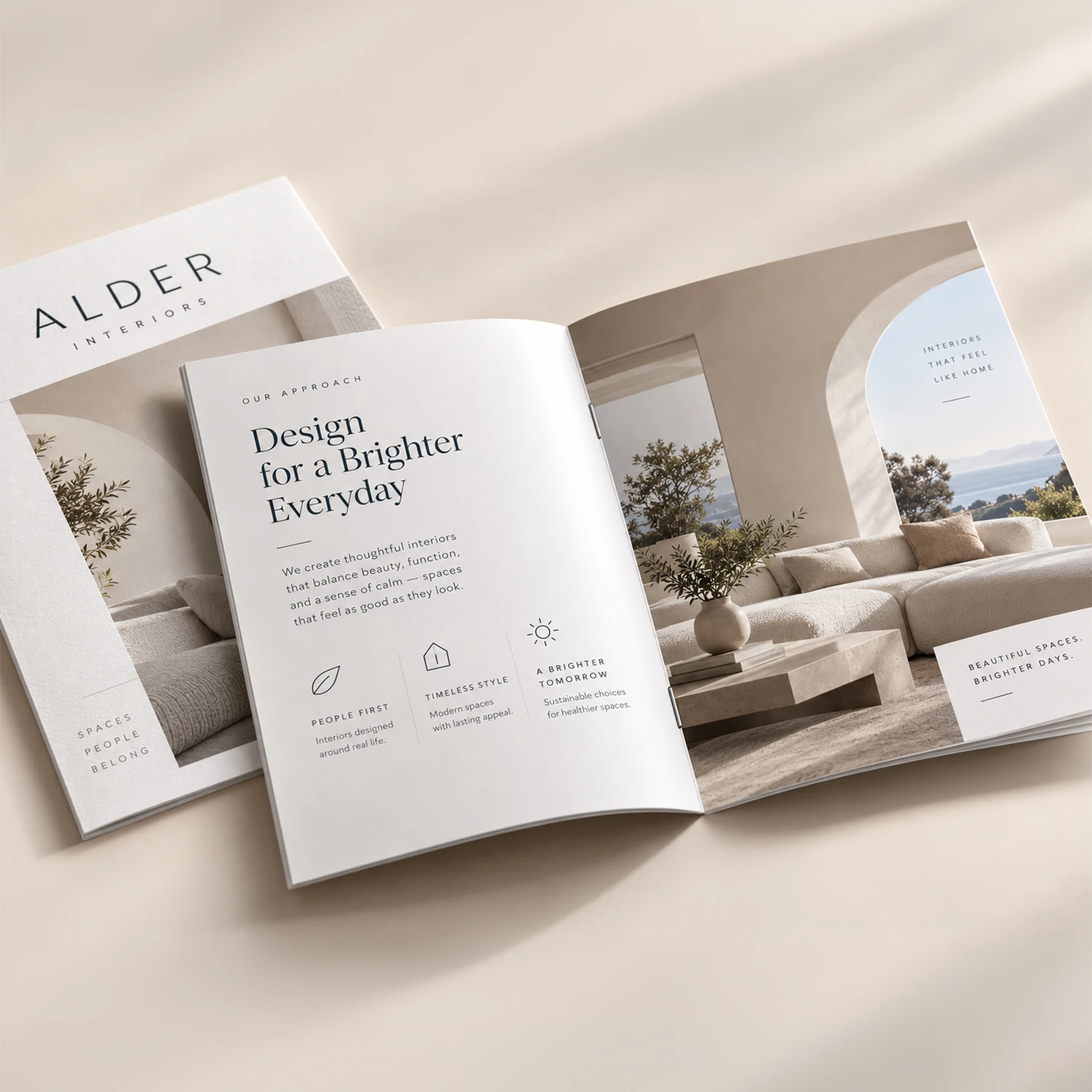
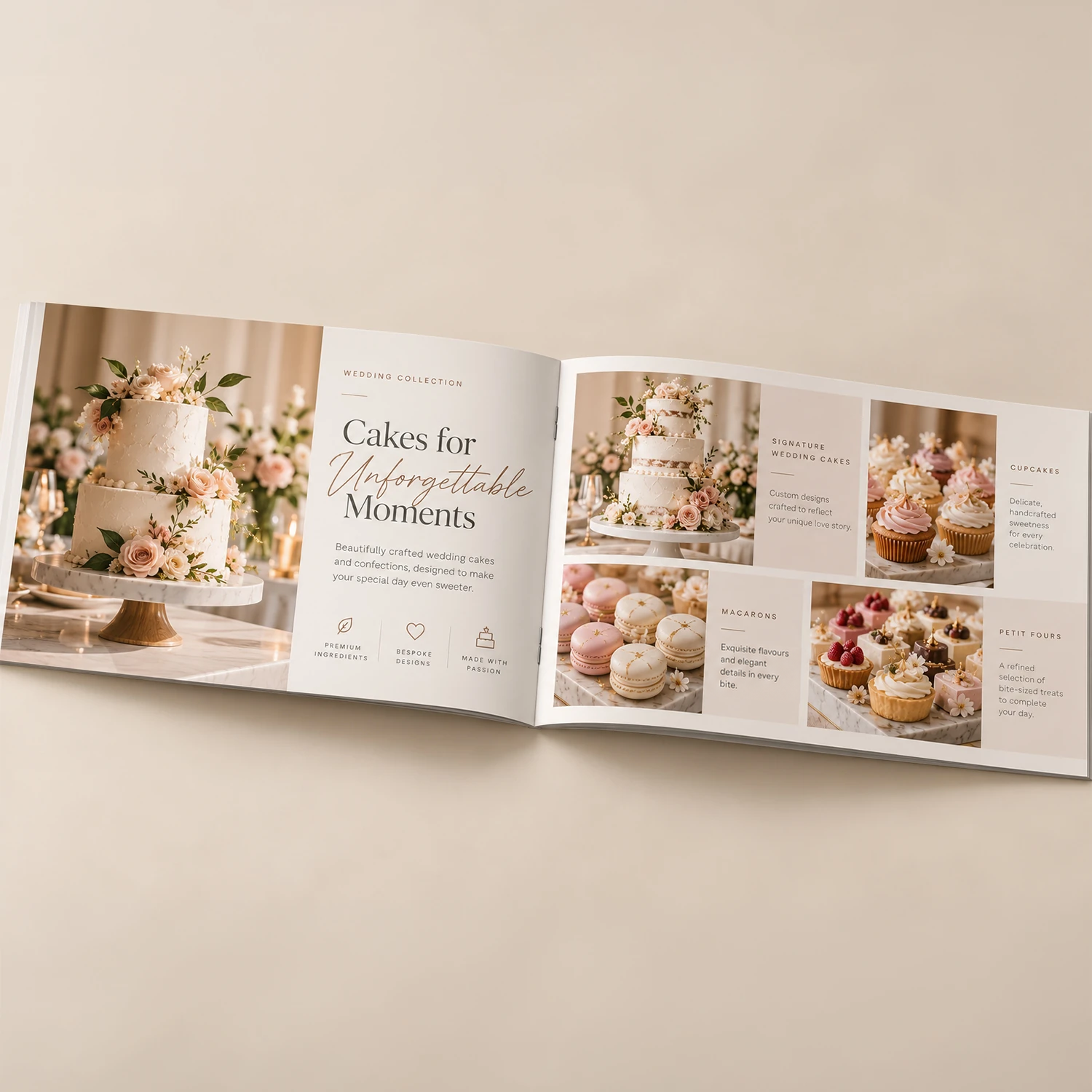
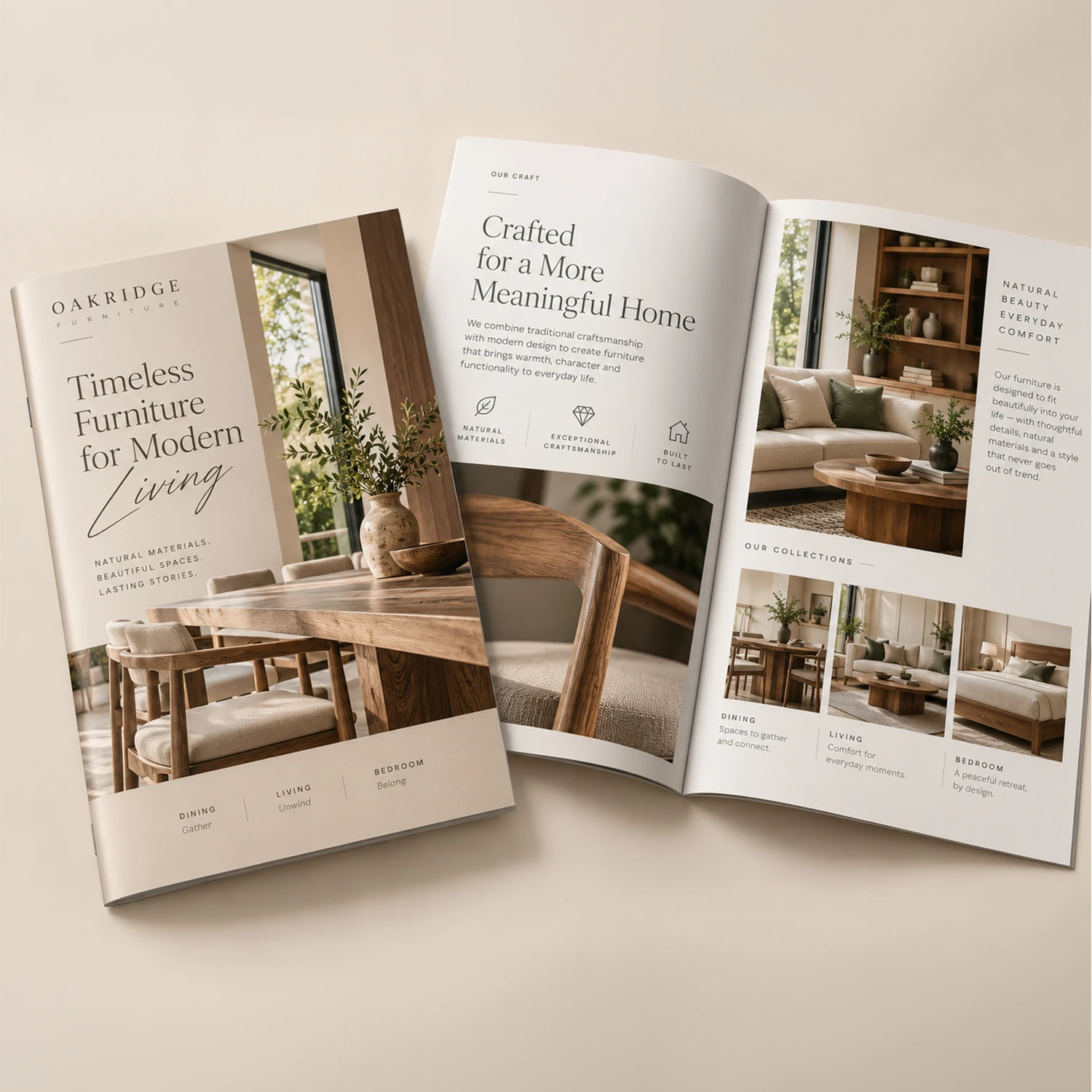
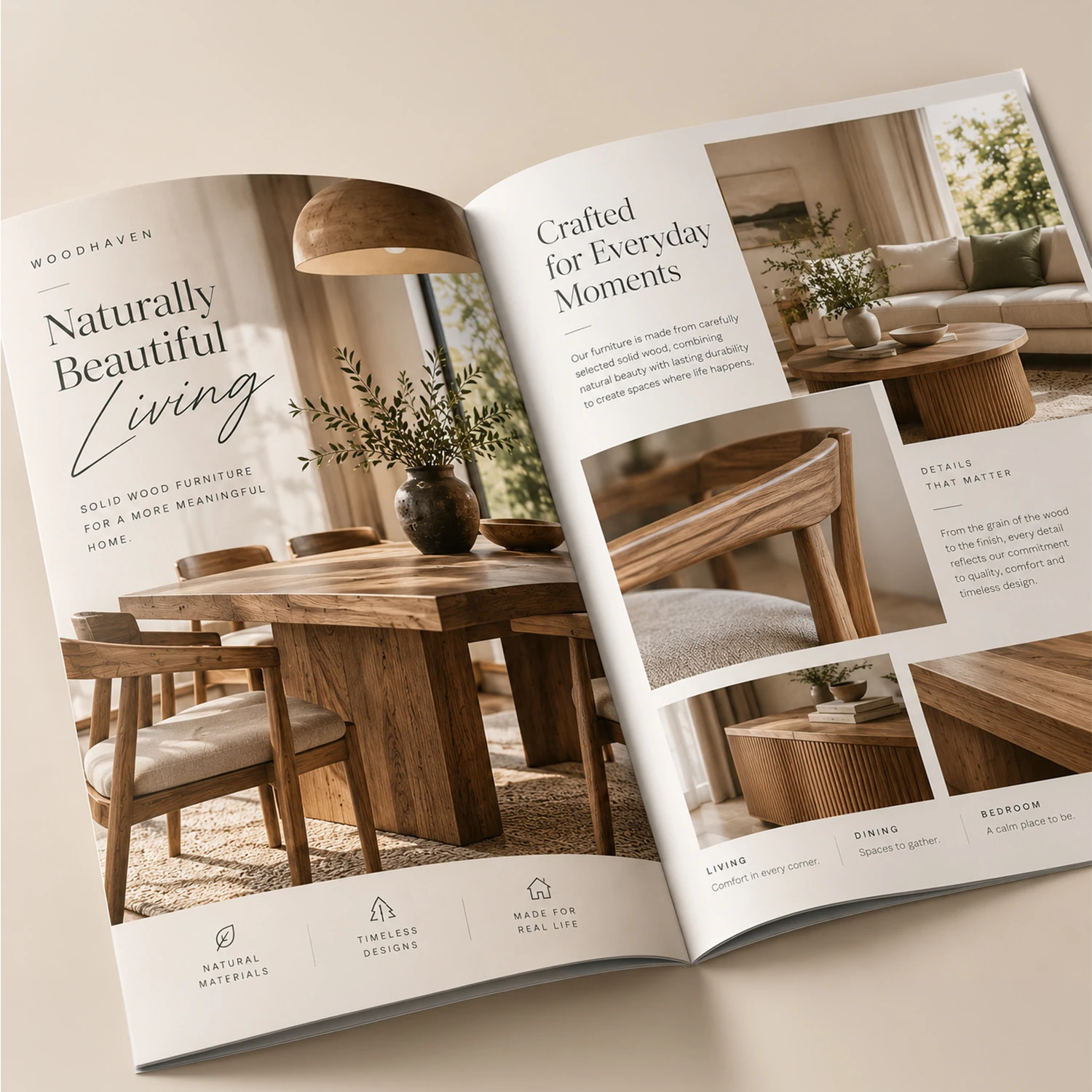
Beautifully printed booklets for presentations, catalogues, reports and more.
MADE FOR EVERY STORY
From company profiles to event programmes, bring your ideas to life in print.
Tell your brand story.

Showcase every detail.

Make information memorable.
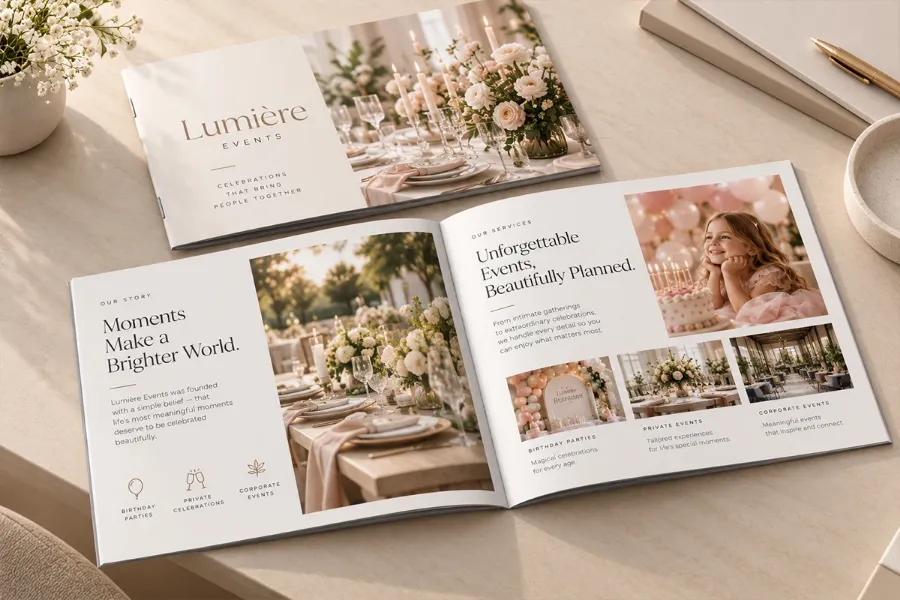
Bring every occasion together.
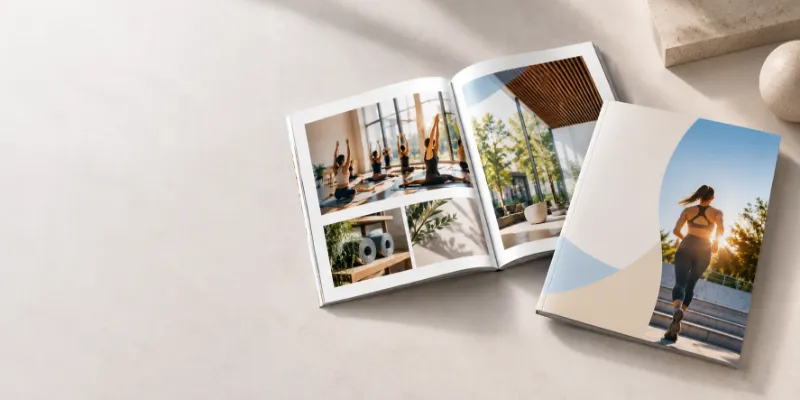
Tips and inspiration
Get practical tips on layout, imagery and content to create a booklet that looks professional and gets results.
Read more on our blogSUPPORT
Find quick answers to the most common questions about our Booklets. If you need more information, our support team is always here to help.
Choose from the sizes in Options & Pricing. The local catalog currently offers A4 Portrait (210 × 297 mm), A5 Portrait (148 × 210 mm), A5 Landscape (210 × 148 mm), plus A6 Portrait and A6 Landscape. A4 suits detailed presentations and reports; A5 and A6 provide compact alternatives. Use the selected native configuration when preparing artwork.
You can order printed booklets with 8 to 64 pages, in increments of four. Whether you need a short promotional brochure or a detailed company presentation, you can select the page count that best suits your project.
Available quantities are shown in Options & Pricing. The current local catalog offers 100 copies; smaller quantities are awaiting catalog confirmation.
Custom printed booklets are suitable for a wide range of business and personal projects. Popular uses include company profiles, product catalogues, annual reports, portfolios, event programmes, training materials and promotional brochures. They provide a professional way to organise and present information across multiple pages.
Start by selecting your preferred booklet size and number of pages. Prepare your artwork according to the requirements in our Product Specifications section, paying attention to page order, image quality and any applicable bleed and safe-area guidelines. Check your design carefully before submitting it for printing.
After choosing your booklet size, quantity and page count, proceed to the design stage using the primary design button. You can then follow the available design or artwork-upload process to prepare your booklet for printing.